Security your review can sign off
Diagrams are drawn in memory and thrown away. What little we keep is hashed, sealed or yours to delete, and every claim here links to the page that proves it.
Never stored
Diagram source is drawn in memory and not kept, unless you publish it or put it on a whiteboard.
No model training
The service runs no AI model and keeps nothing to train one on.
No passwords
An emailed code, or single sign-on through your own identity provider.
Runs in your network
A self-hosted engine that makes no outbound request.
Your diagrams stay yours
The short version of the privacy policy, which lists every field, where it lives and for how long.
What we collect and why (opens in a new tab)What we keep
- Your email address and last sign-in
- Hashes of sign-in codes, sessions and API keys
- Diagrams you choose to publish
- Organisation members, roles, settings and audit log
- On Enterprise, your organisation's whiteboard tabs, until deleted. A board opens for someone outside the organisation only when your owner allows guests: read only, never Confidential, and audited
- About ninety days of which tool each organisation call used
- Daily call totals, to keep you inside your allowance
What we never keep
- Diagram source or pictures sent to be drawn
- Request bodies, in a log or anywhere else
- A full IP address
- A card number: Stripe takes the payment
- A token from your identity provider or GitHub
- Anything for advertising, sold or rented
Where diagrams are drawn
Hosted, inside your network, or on a laptop and in CI. The same engine in each, so a team can move without redrawing anything.
Controls your organisation sets
Set by the owner or an admin in the portal. Every change is written to the audit log.
See them in the portalWho gets in
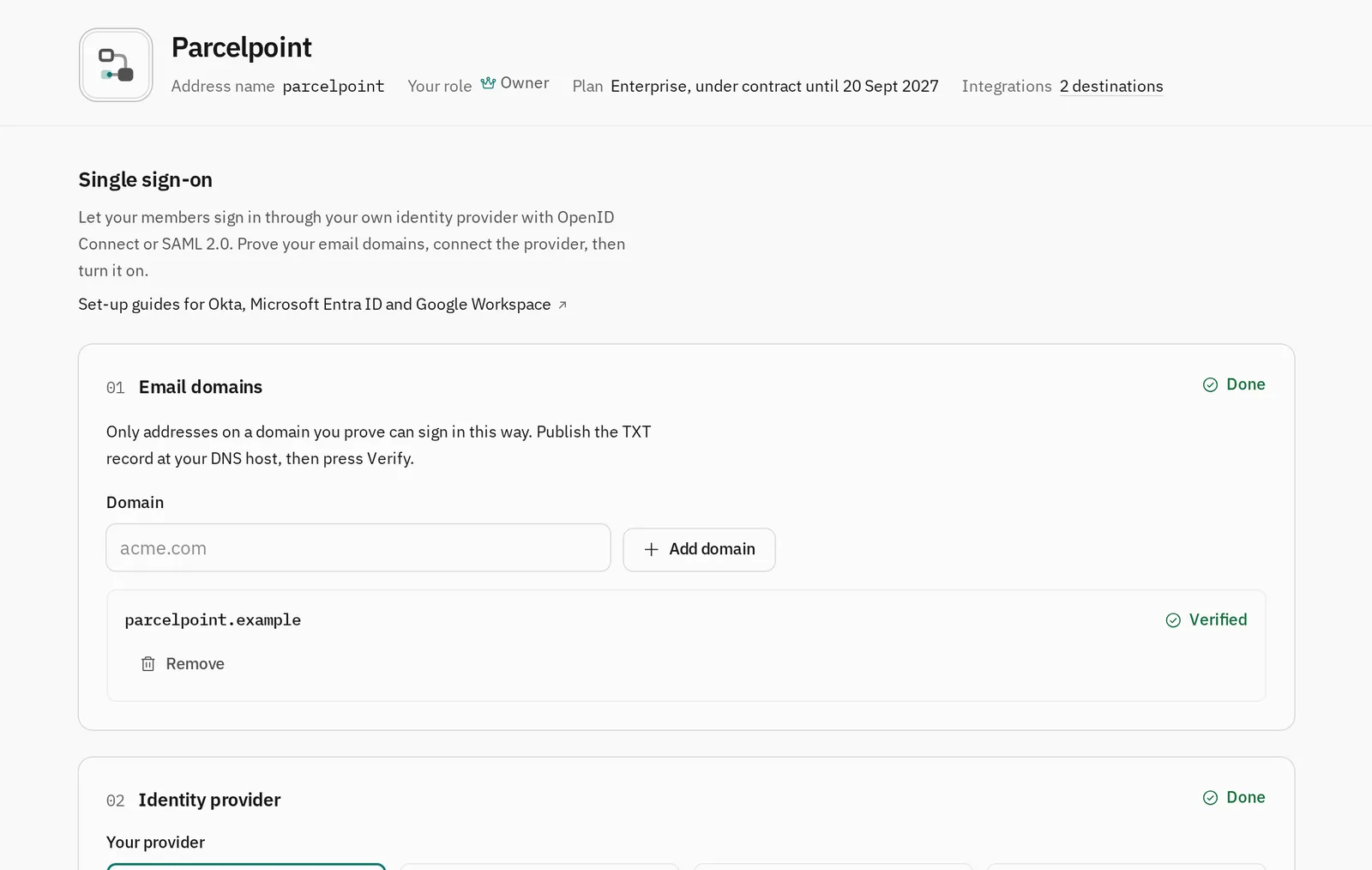
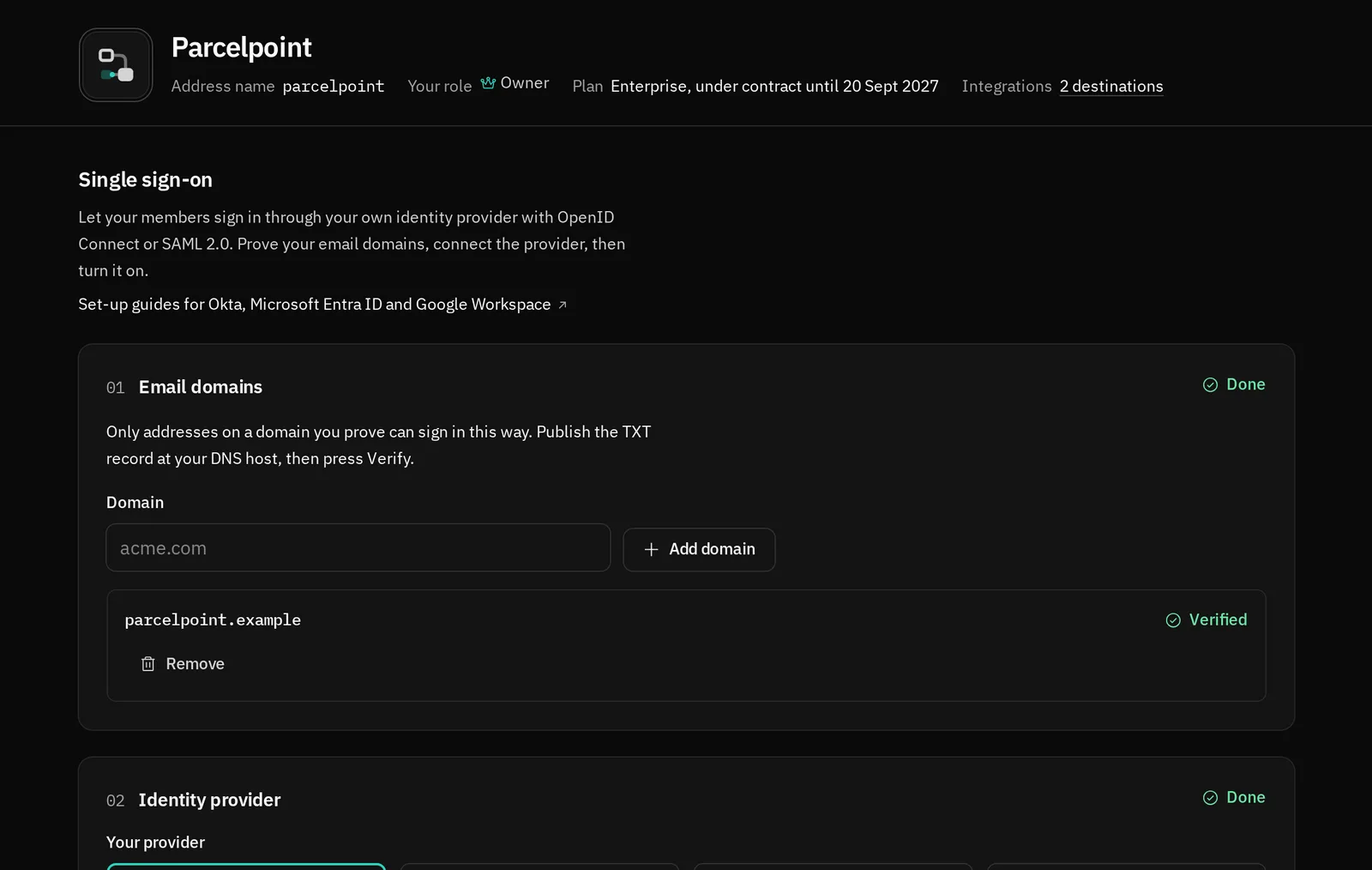
- Single sign-on: OpenID Connect with PKCE, or SAML 2.0 with signed assertions, from Okta, Microsoft Entra ID, Google Workspace or another provider. (opens in a new tab)Enterprise
- Verified domains: Only addresses on a domain proved by a DNS record sign in through your provider, whatever the provider says. (opens in a new tab)Enterprise
- Require single sign-on: Your provider becomes the only way in. The owner keeps an emailed code for when it is down, and that sign-in is recorded. (opens in a new tab)Enterprise
- SCIM 2.0: Your provider adds, deactivates and removes members and gives roles by group. A removed person loses access at once. (opens in a new tab)Enterprise
- No client secret: An Entra ID federated credential, or a private key JWT for Okta and others, so no provider secret is stored. (opens in a new tab)Enterprise
Which agents, with which keys
- Roles and folder rules: Owner, admin, member and reader, and folders kept to the roles and people you name. (opens in a new tab)
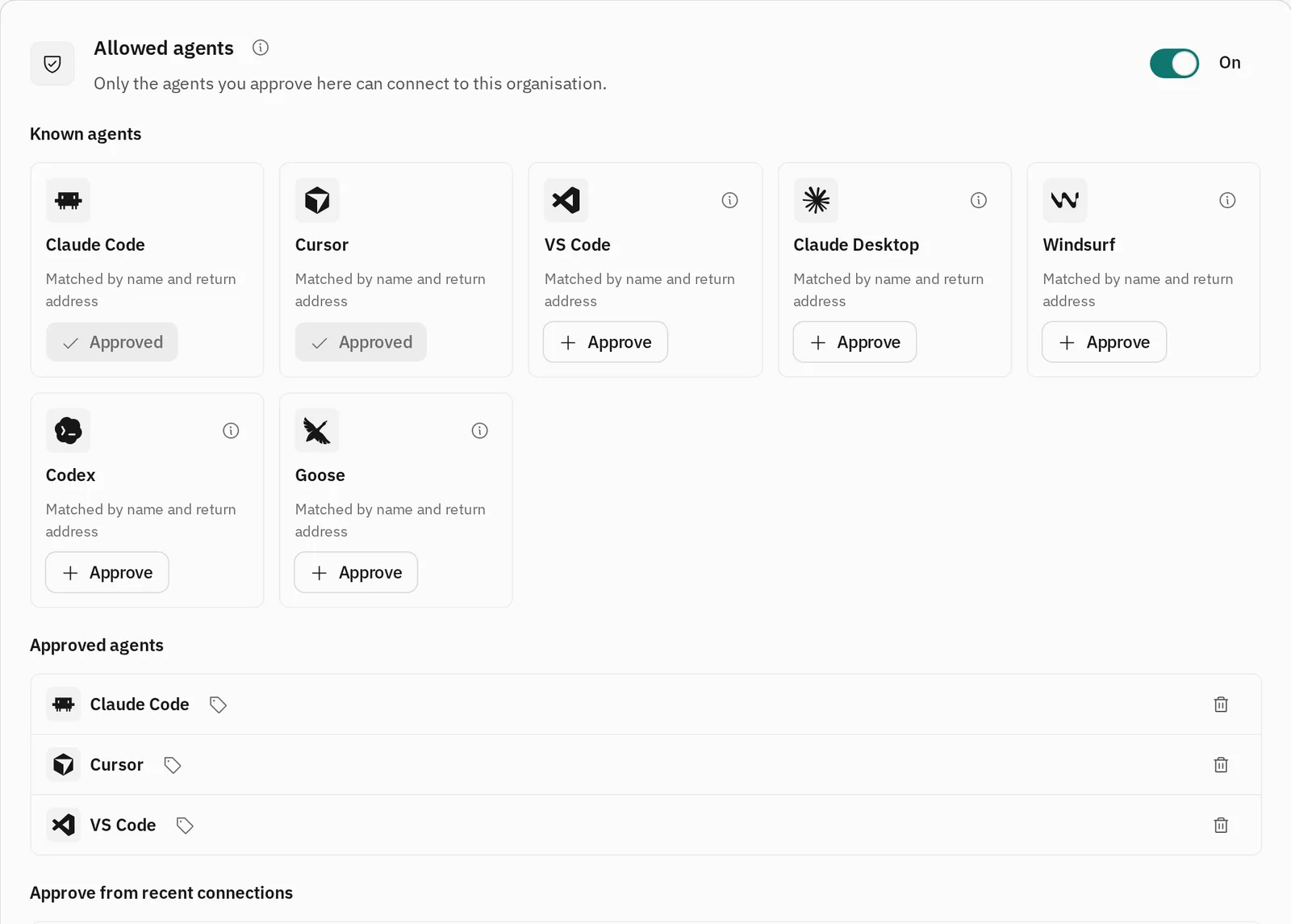
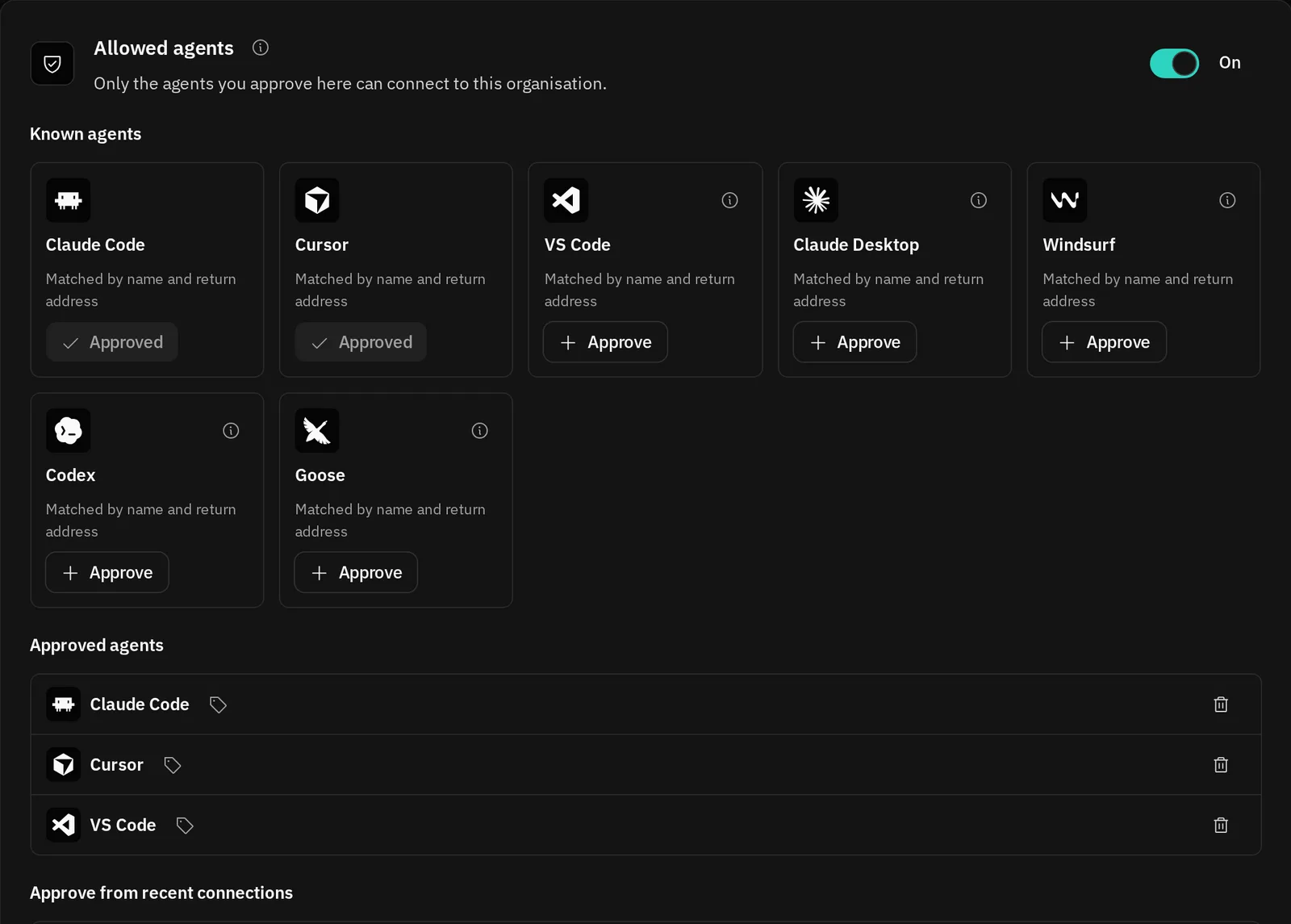
- Allowed agents: Only the agents you approve can be connected to the organisation. (opens in a new tab)Enterprise
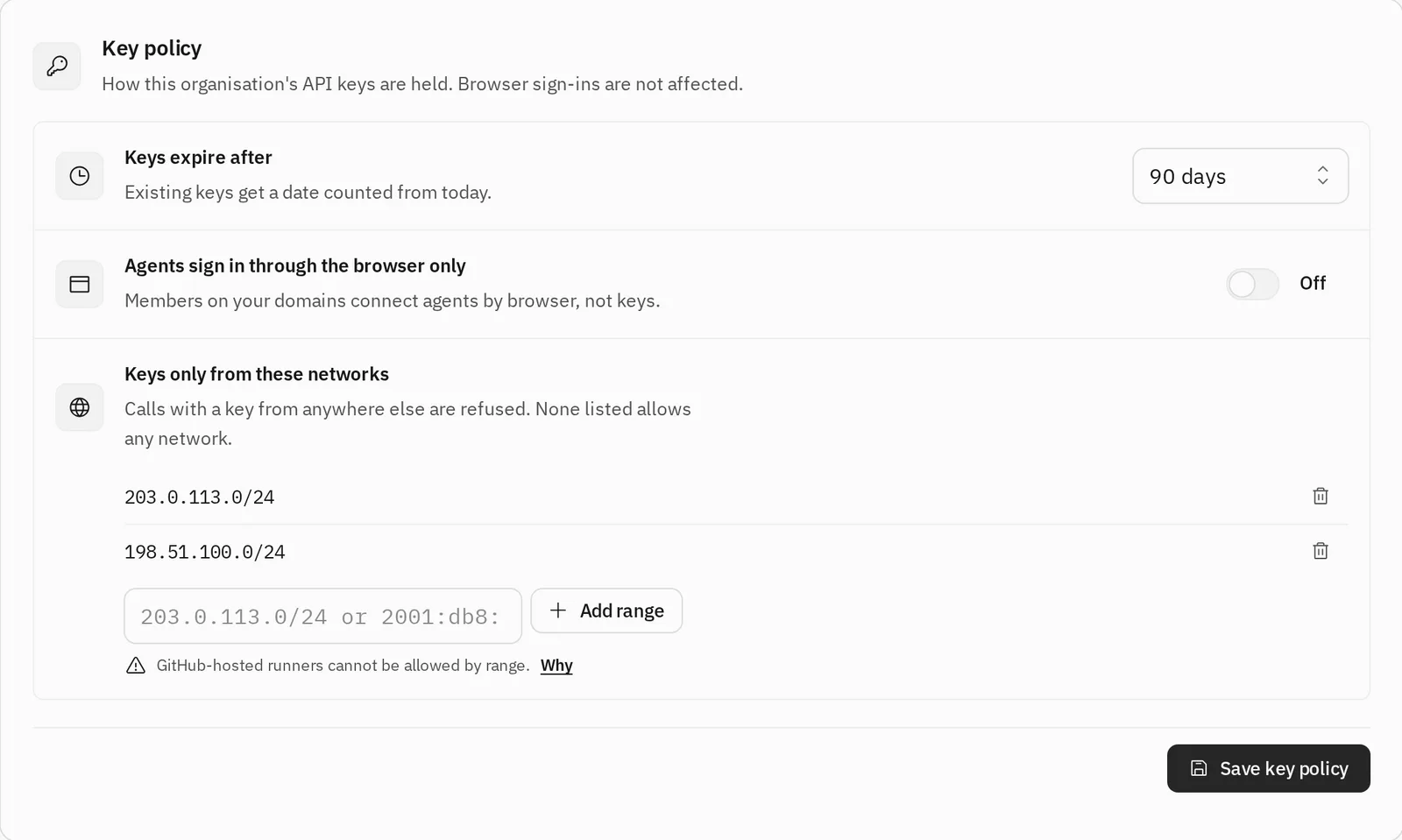
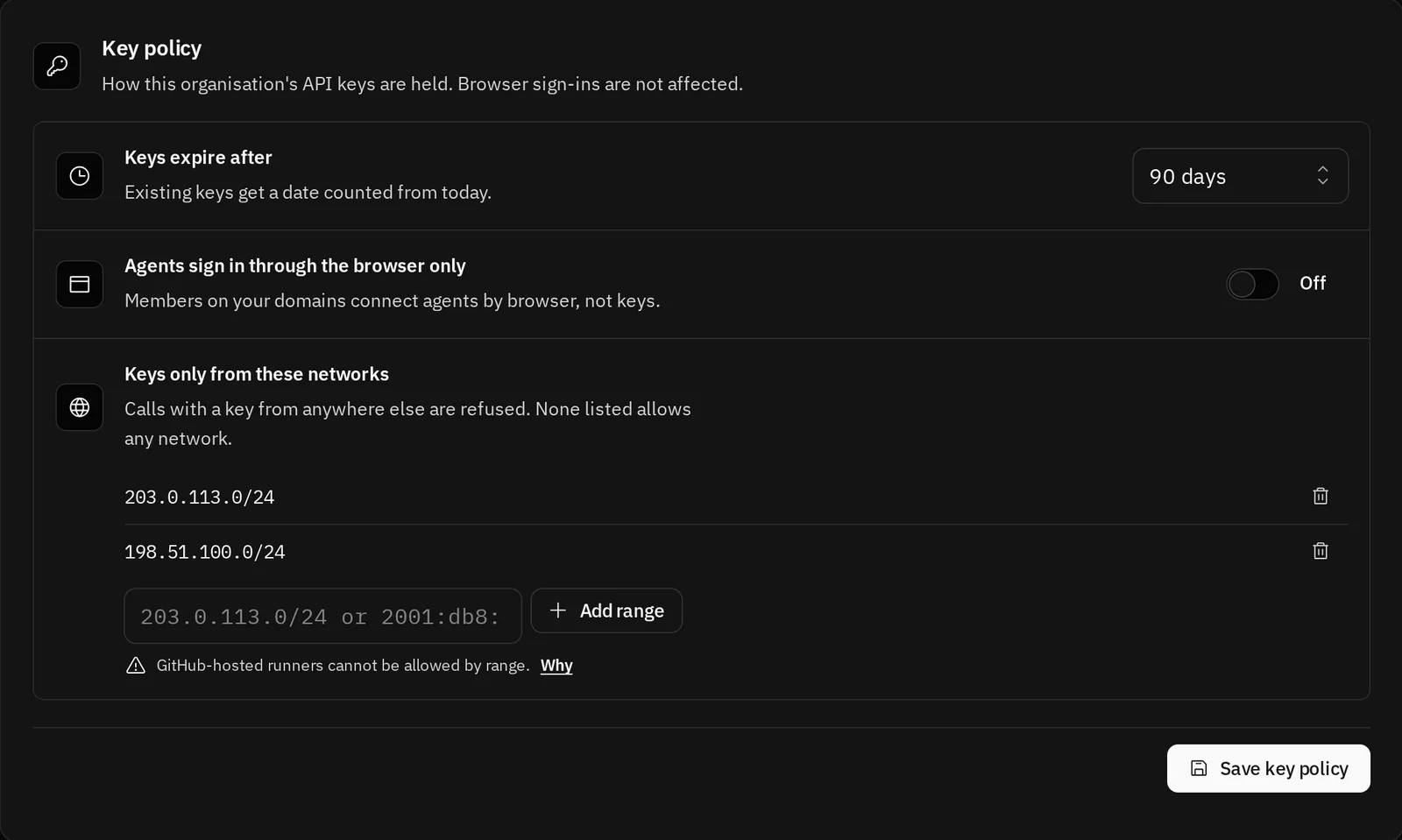
- Key policy: Keys expire after the days you choose and work only from the networks you list, or agents sign in through the browser instead. (opens in a new tab)Enterprise
- Trusted publishers: CI signs in with GitHub's OpenID Connect token: no long-lived key in the repository, a token that lasts fifteen minutes for one organisation, and the repository pinned by its GitHub id. (opens in a new tab)Pro and Enterprise
- Daily limits: Per member, per agent connection and per key, inside the organisation's allowance. (opens in a new tab)Enterprise
What may be published
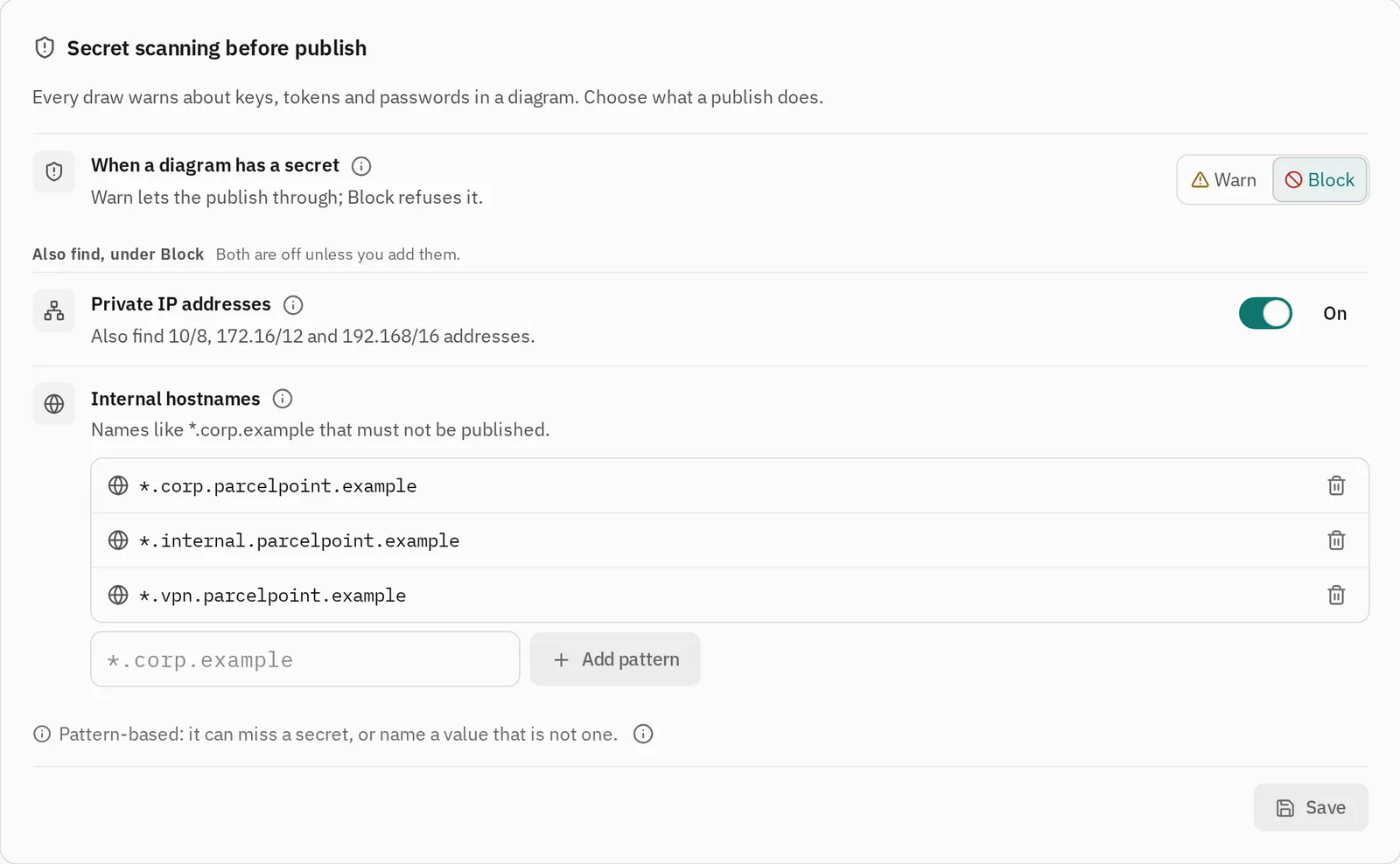
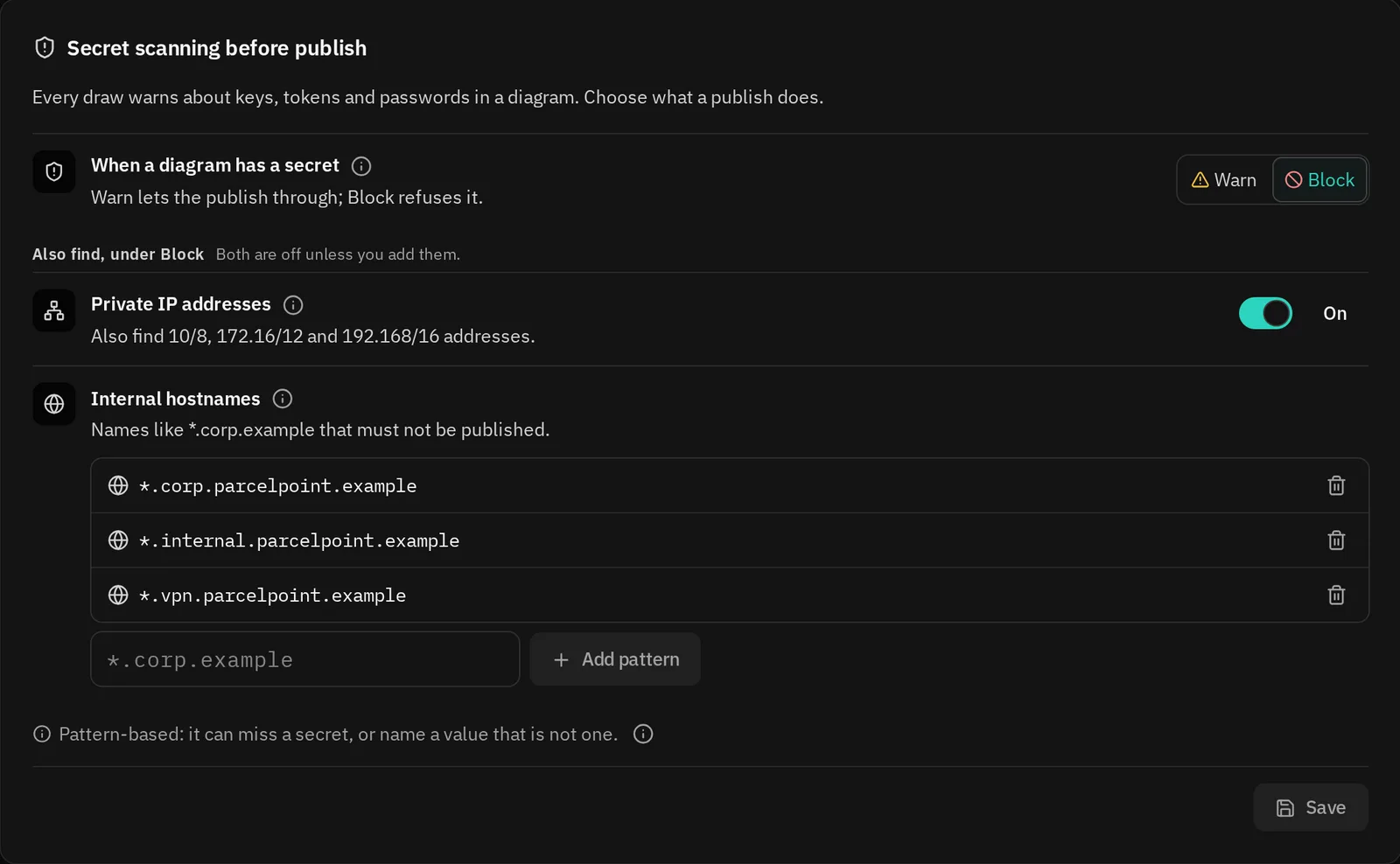
- Secret scanning: Every draw warns about cloud keys, tokens, private keys and passwords, never repeating the value. Block refuses a publish that holds one. (opens in a new tab)
- Classification labels: Public, Internal and Confidential. A Confidential diagram is never shared at a public link. (opens in a new tab)
- Publish approval: A publish is held until an approver lets it through, and an agent is told so as data, not as an error. (opens in a new tab)
- Retention and legal hold: Delete library diagrams after the time you choose, keep the audit log longer, and delete nothing while a legal hold is on. (opens in a new tab)Enterprise
- Approved patterns: Agents start from the diagrams your organisation approved, such as a firewall in front of every API. (opens in a new tab)Enterprise
What is recorded
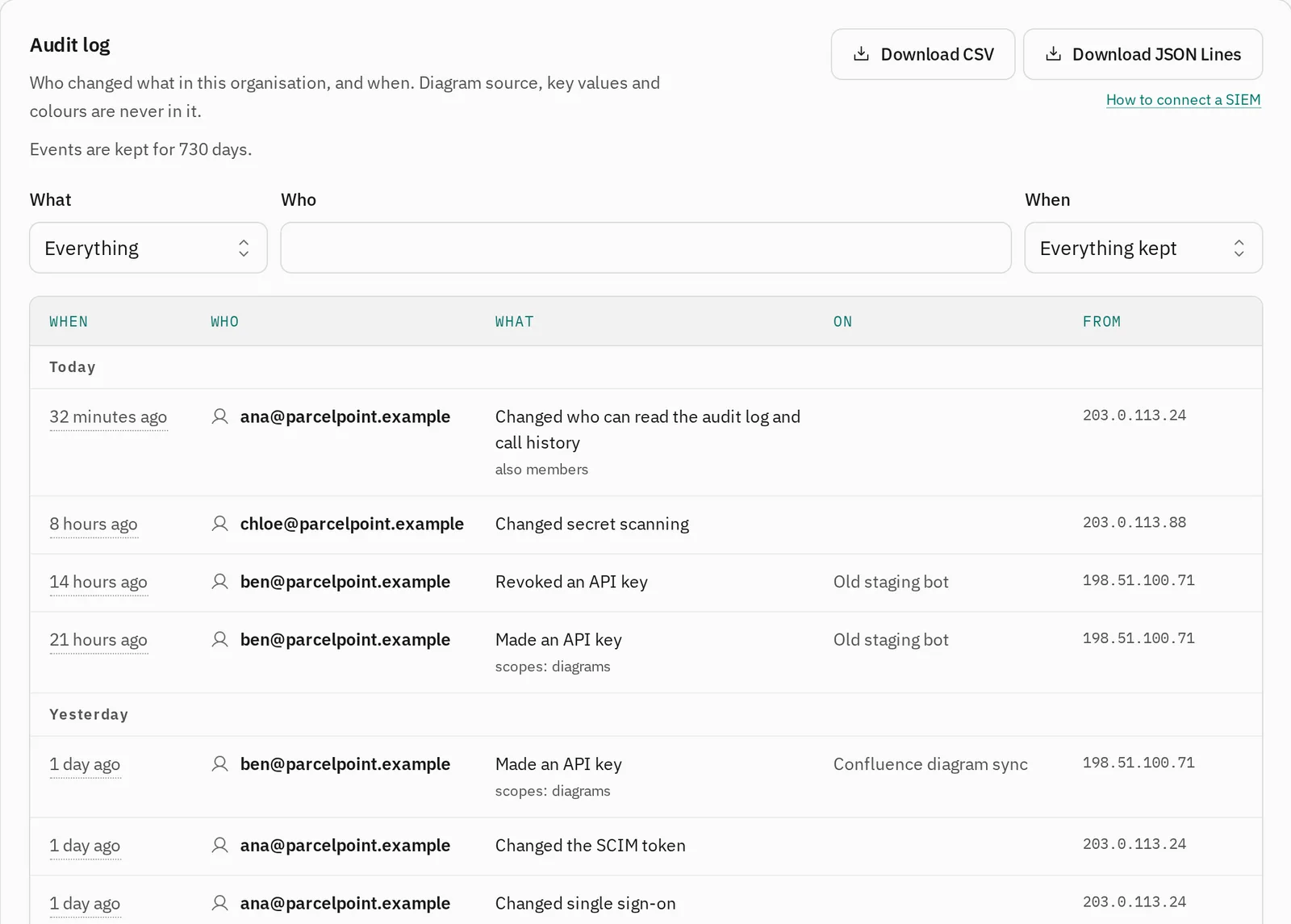
- Audit log: Who changed what, when, and from which network, never a diagram, a key's value or a token. Pro keeps 30 days of events, Enterprise 365 days. (opens in a new tab)Pro and Enterprise
- Audit export: CSV or JSON Lines, or polled by your SIEM with a key that can only read the log. (opens in a new tab)Enterprise
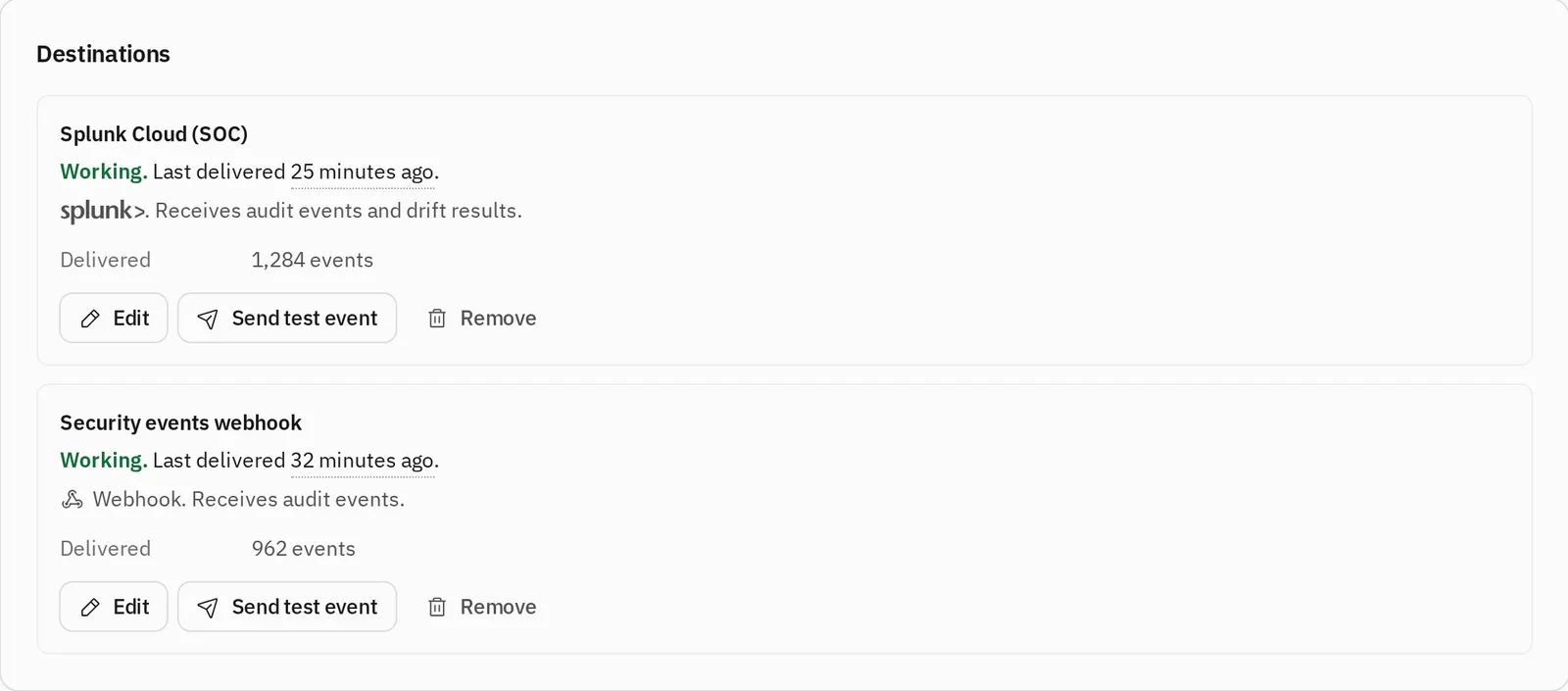
- SIEM delivery: Datadog, Dynatrace, Splunk, Microsoft Sentinel or a webhook signed with HMAC-SHA256, seconds after each event. Metadata only. (opens in a new tab)Enterprise
- Drift dashboard: Which repositories have diagrams out of step with their code, and who owns them. (opens in a new tab)Pro and Enterprise
Built so there's little to steal
What could be replayed is hashed or sealed, and the parts you run are small enough to read.
Pinning and verifying releases (opens in a new tab)Why plain SVG (opens in a new tab)Hashed sessions
Sign-in codes and session tokens are stored only as SHA-256 hashes.
Sealed secrets
API keys, single sign-on secrets and SIEM tokens are sealed with AES-256-GCM.
No third-party script
The portal, where keys are shown, loads no analytics and no outside script.
Signed releases
npm packages with provenance, and an Action pinned by commit with an attestation.
Plain SVG
Every diagram is a file with no script and nothing loaded from elsewhere.
Quiet by default
The npm package sends no usage unless you turn it on.
Who handles data for us
The full list, from the privacy policy. The tools you name for your audit events are yours, not ours.
Who handles data for us, in the privacy policy (opens in a new tab)| Provider | What it does for us | Where |
|---|---|---|
| Cloudflare (opens in a new tab) | Hosts the sites, the API, the MCP server, the account database, the caches and rate limits, hosted and organisation diagrams, and organisation call history. | A global network. Cloudflare chooses where the database runs, and the choice is not limited to Australia. |
| Resend (opens in a new tab) | Delivers the sign-in, invitation and support request emails. | United States |
| Stripe (opens in a new tab) | Takes payments for the Pro plan, and hosts the pages where you pay and manage billing. | Where Stripe chooses, as its privacy policy describes. |
| Google (opens in a new tab) | Runs Google Analytics on plotwork.dev and the docs, only for visitors who accept. Never on the portal. | United States |
| PostHog (opens in a new tab) | Runs product analytics and session recordings on plotwork.dev and the docs, only for visitors who accept, with everything typed hidden. Never on the portal. | United States |
| GitHub | Hosts the public repositories, where people can open issues. It sees only what a person chooses to post. | Public, under GitHub's terms |
For your security review
Where Plotwork stands today.
Enterprise support (opens in a new tab)- Certification
- Plotwork holds no SOC 2 report and no ISO 27001 certificate today. This page and the guides it links describe the controls as they are built.
- Data processing agreement
- Part of every Enterprise contract.
- Uptime and support
- An uptime SLA and a named support contact, in the Enterprise contract.
- Security questionnaire
- Send yours with an enquiry from the Enterprise page, and we reply by email.
- Privacy requests
- Write to legal@buungroup.com. A request about your account is answered within thirty days.
- The company
- Buun Group Pty Ltd, registered in Queensland, Australia.
Bring your questionnaire
Tell us what your review needs, or run the engine inside your own network first.
docker run -d --name plotwork \ --read-only --cap-drop ALL \ --security-opt no-new-privileges \ -p 127.0.0.1:3106:3106 \ -e PLOTWORK_TOKEN \ plotwork-selfhost